Microsoft 365 / Power Platform labs
SharePoint, Power Apps, Power Automate, Copilot, AI Builder
Ongoing AI adoption work inside the Microsoft ecosystem: SharePoint, Power Apps, Power Automate, Copilot and AI Builder. The goal is lowering resistance, not maximising novelty.
Problem
AI adoption usually fails on people, not technology. Asking a team to move to a new tool adds a learning cost on top of their existing work, so the tool quietly stops being used.
Context
A team already working daily in Microsoft 365 — documents in SharePoint, reporting in Excel, approvals over email.
Approach
- Start from the tools already installed: Excel plus Copilot rather than a separate AI product.
- Automate the repetitive edges — intake, routing, reminders, drafting — with Power Automate.
- Use AI Builder where a document or form step needs extraction rather than a bespoke model.
- Keep every automation inspectable by someone on the team, so it survives without me.
Architecture
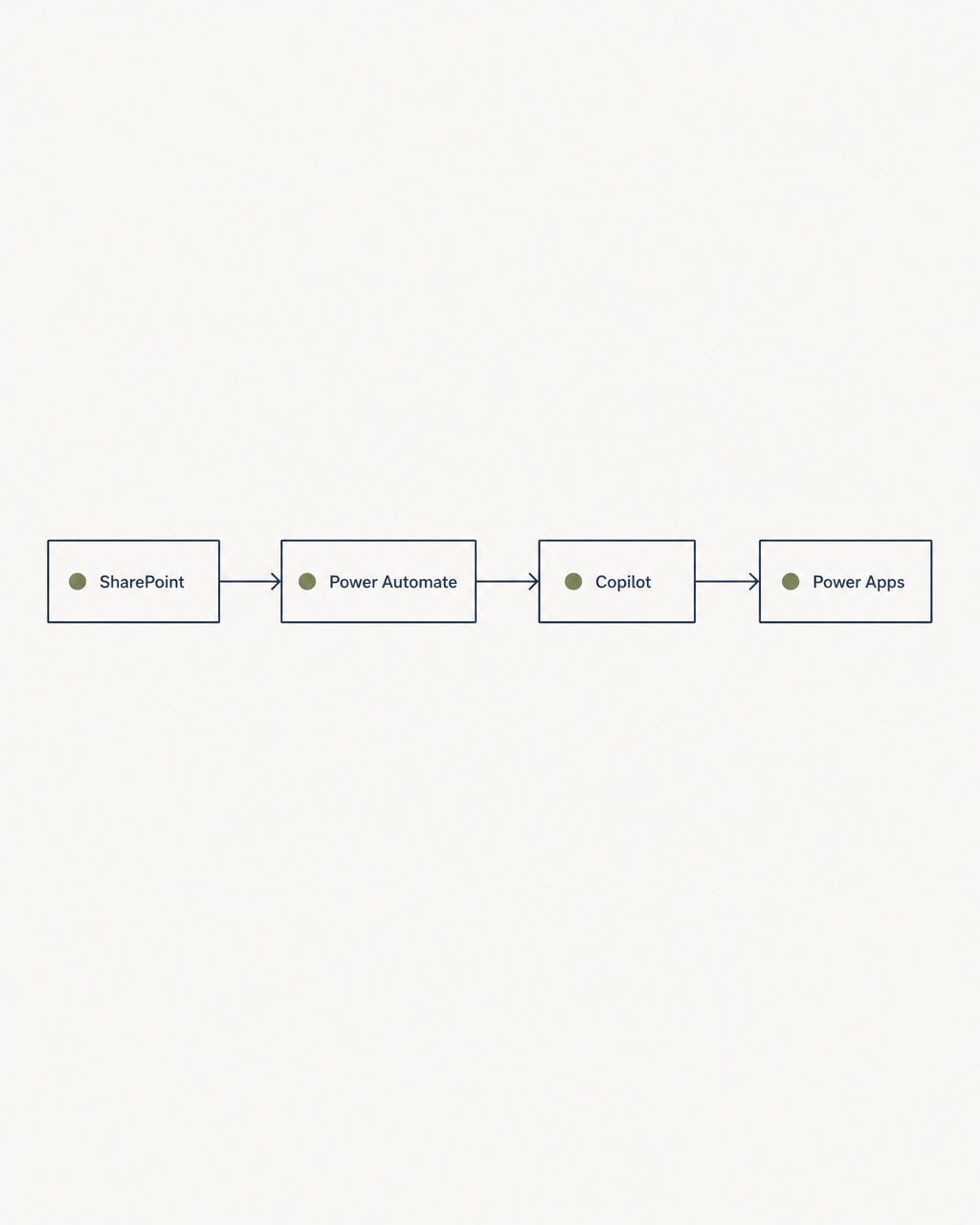
- 01SharePoint as the document and list source of truth
- 02Power Automate flows for intake, routing and notification
- 03AI Builder for document/form extraction steps
- 04Copilot inside the apps people already open
Tools
- SharePoint
- Power Apps
- Power Automate
- Microsoft Copilot
- AI Builder
- Excel
What worked
- Adoption inside existing tools met almost no resistance.
- Automating small, boring steps produced more real usage than any large feature.
What didn't work
- Flows nobody on the team could read became a dependency on me — they had to be rebuilt simpler.
Result
Ongoing work. AI is being used inside the team's existing stack rather than alongside it. No public metrics are published for this engagement.
What I learned
The best AI rollout is often the least visible one. If people have to change where they work, they won't.
Links
Let's build something real.
A system built to order, or advice on how to start. Tell me the manual work you want gone.
Get in touch →